
When you first signed up with Solstice, you made an account on our Platform. Your account lets you see your billing history, financial savings, and environmental impact. Your account is also where you can update your payment method if needed.
Need help navigating? Here's what to do:
- To reach the Solstice Platform, go to https://app.solstice.us/ where you will see the login page pictured below.
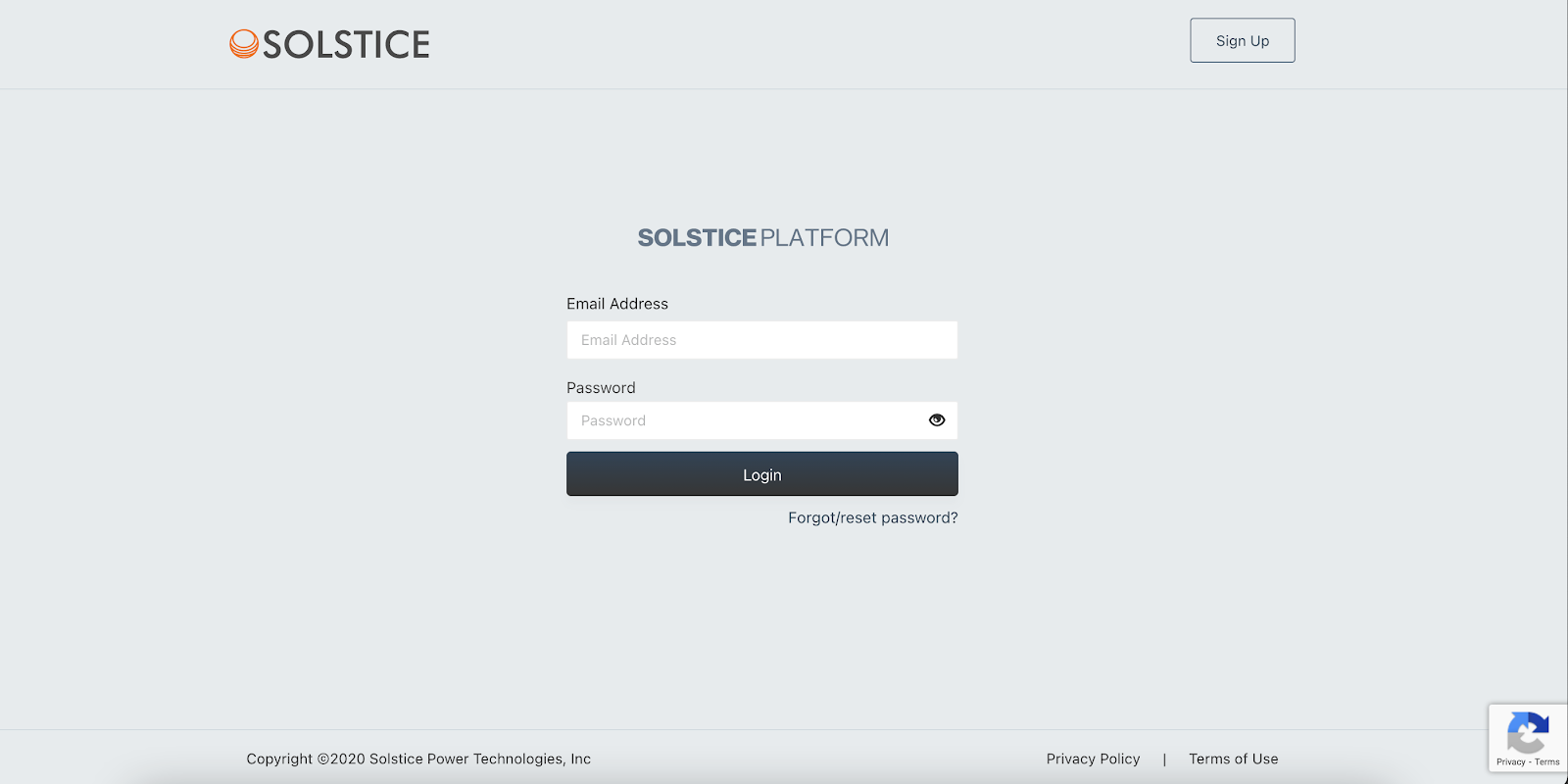
- Enter the email address and password that you used to sign up. If you don't remember your password, click on "Forgot/reset password?" located below the "Login" button. Make sure to reset it within 30 minutes!
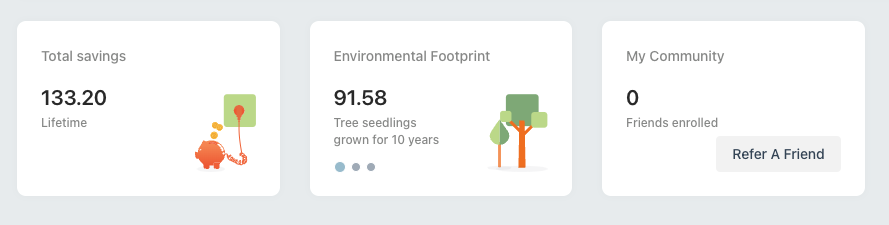
- Once you're logged in, you will be taken to your account dashboard. From the menu, you can choose to see your statement history, property information, and personal information.

Remember, your online Solstice account is a great resource! If you have any suggestions on how to enhance your experience, please contact us at support@solstice.us or 845-853-0768.