
To find your contract, follow these steps:
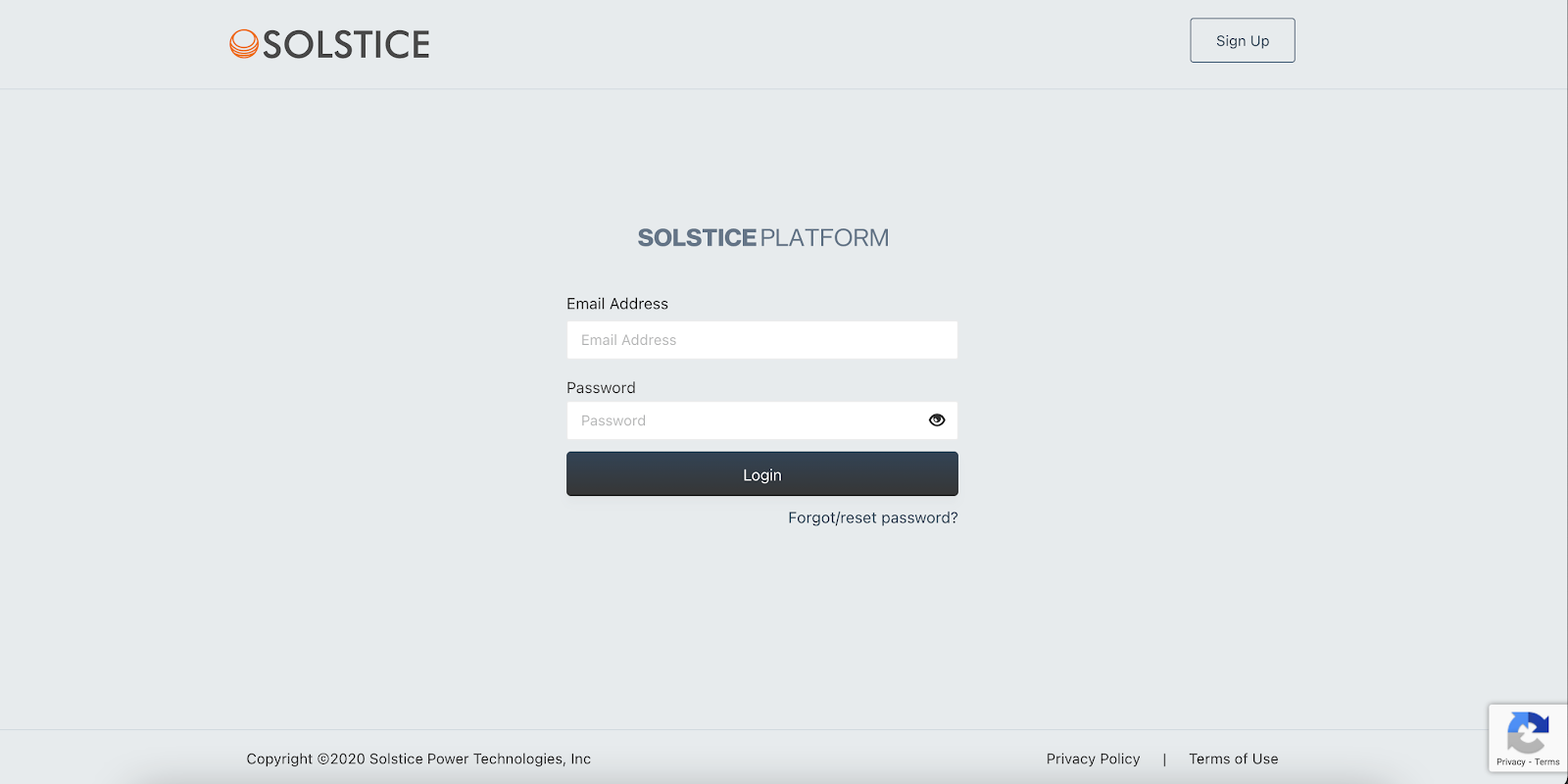
- Log in to the Solstice Platform by heading to https://app.solstice.us/ where you will see the login page. If you are unsure how to log in to your account, please refer to our article on navigating your Solstice account.
- Once you have successfully logged in, you will be taken to your account dashboard.
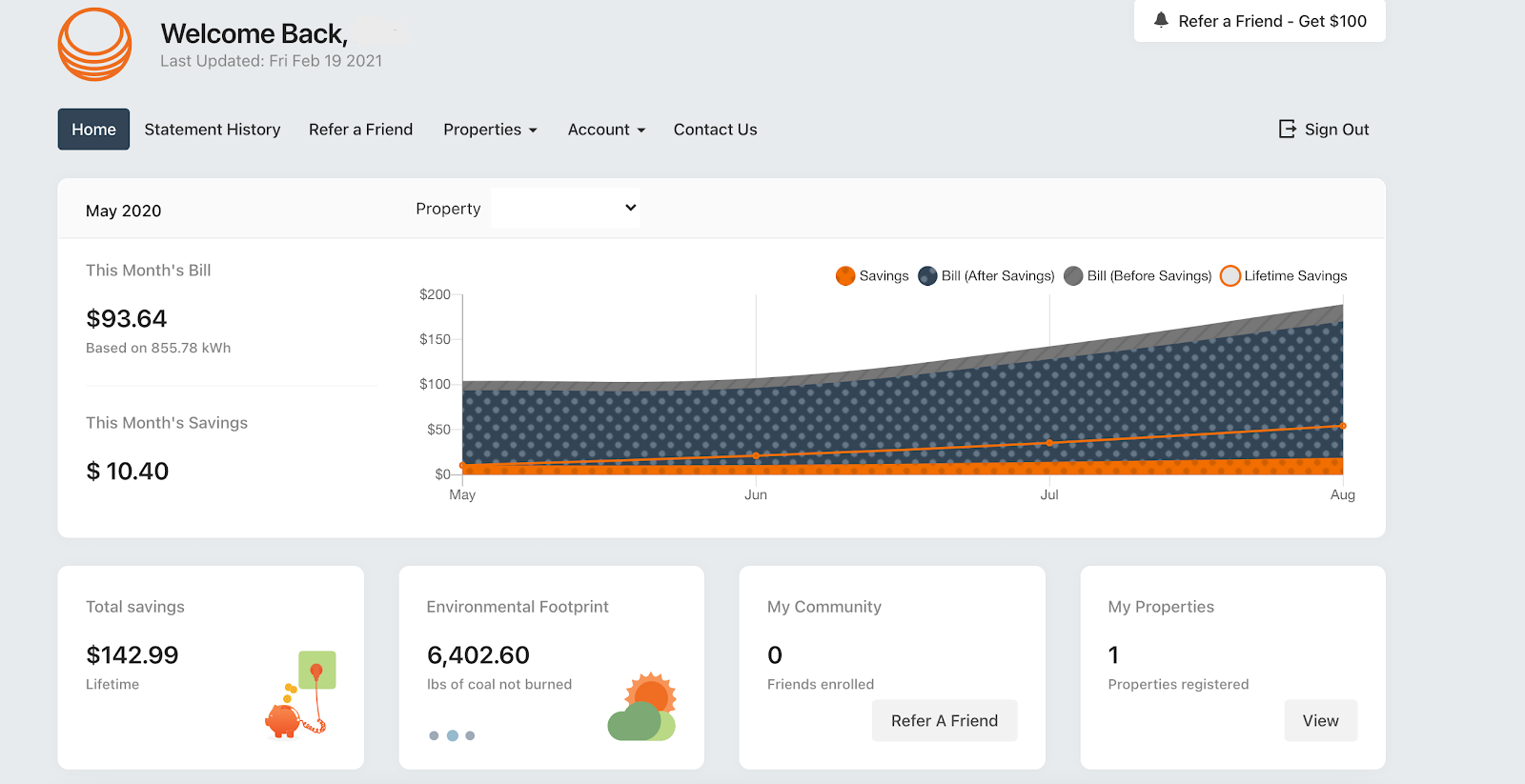 To navigate to your contract, click the "Properties" button then select "My Properties" from the dropdown.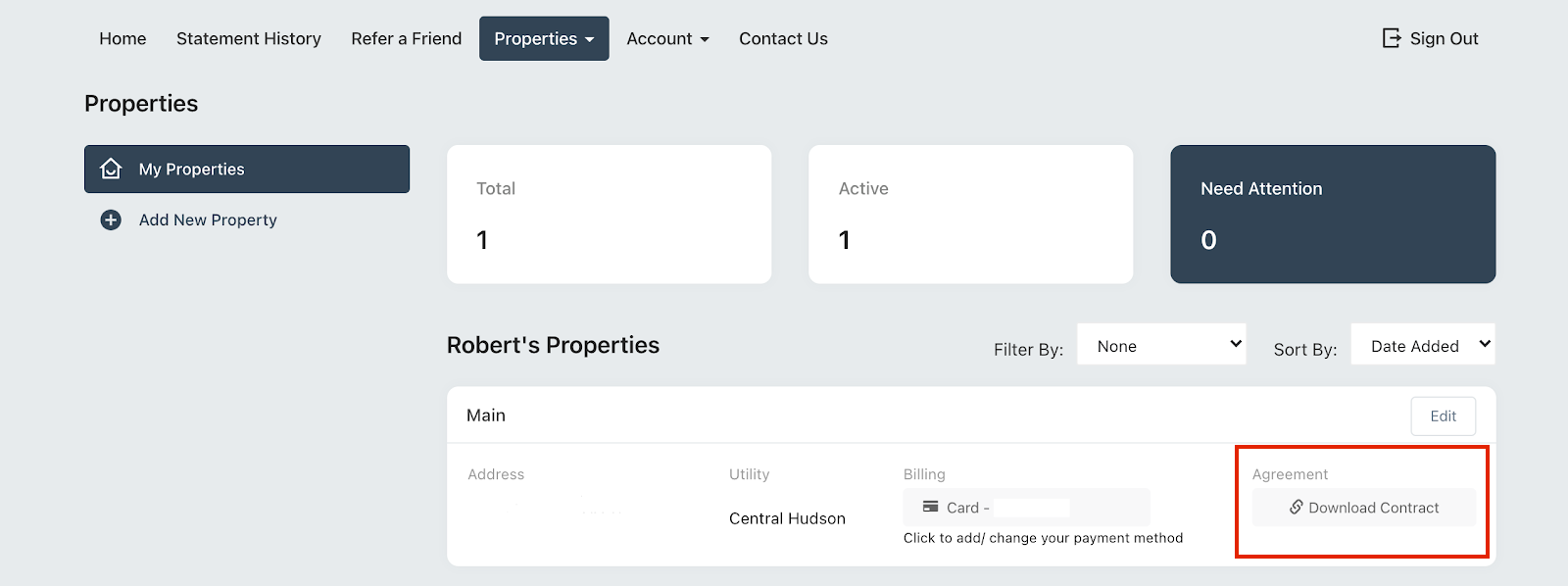
- To view and download a copy of your contract, click on "Download Contract" under "Agreement" in your property section. Upon clicking this box, a PDF version of your contract will be downloaded.
If you have any questions, please contact us at support@solstice.us or 845-853-0768.