
As a Solstice customer, you have the choice to enter a variety of different payment methods in your Solstice account. You can choose to add a debit card, credit card, or link a checking account directly to your Solstice account. Remember, you pay Solstice at a discount for the solar credits you have already received on your electric bill, so you are always saving money!
To update your payment information, follow these steps:
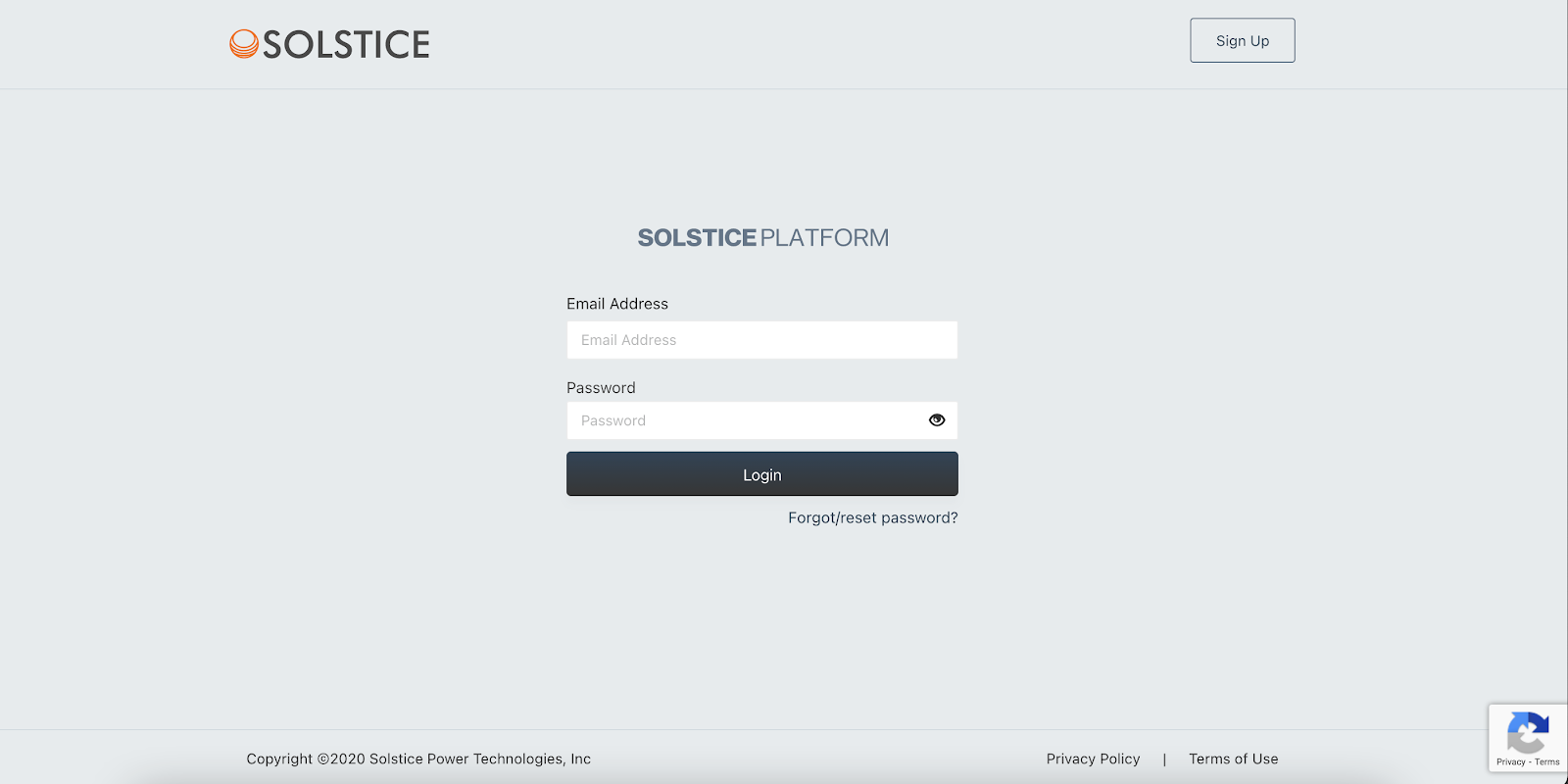
1. Log in to the Solstice Platform by heading to https://app.solstice.us/. If you are unsure how to log in, please refer to our article on navigating your Solstice account.
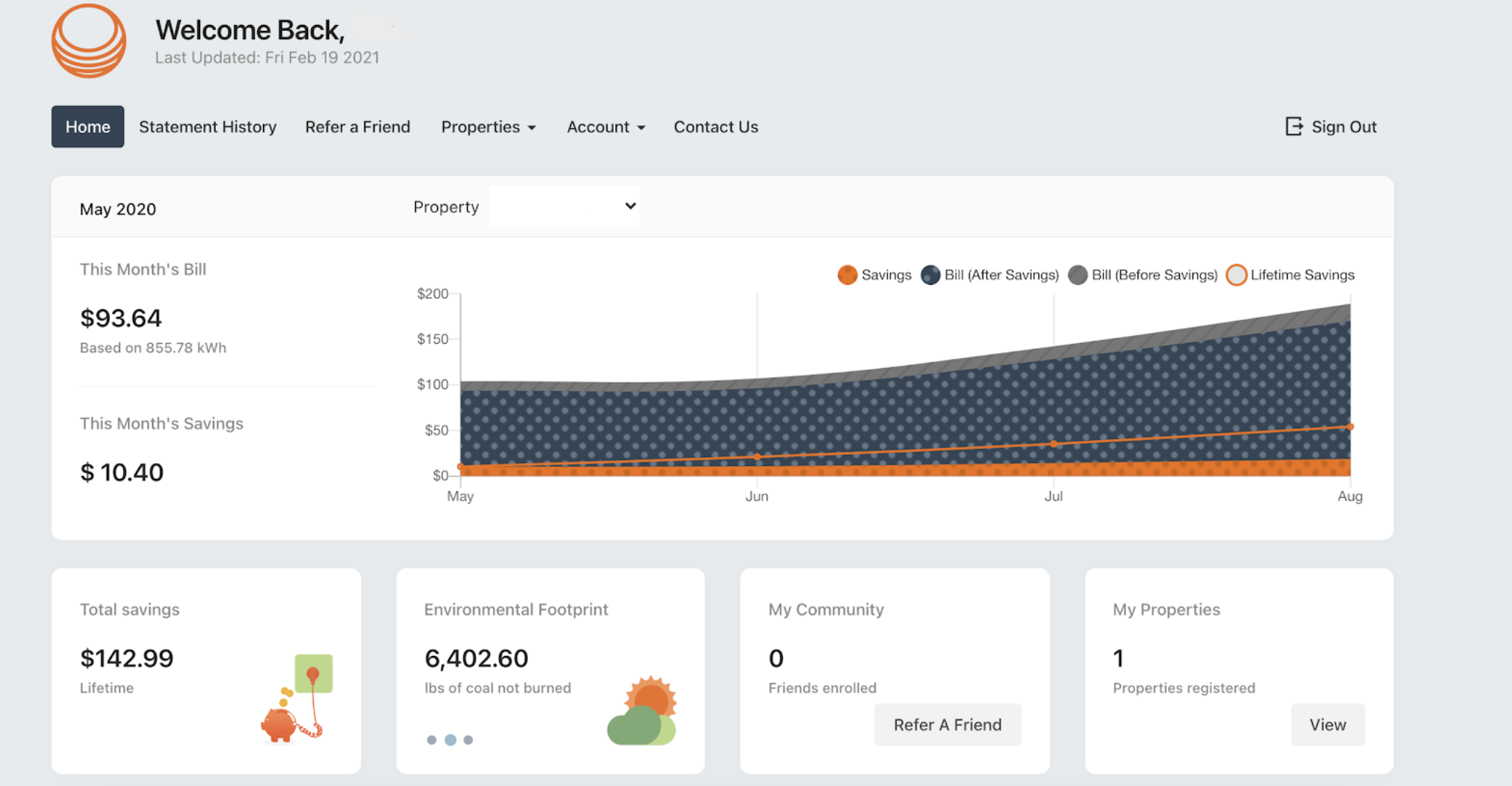
2. Once you have successfully logged in, you will be taken to your account dashboard pictured below.
3. To navigate to your payment method, click the "Properties" button then select "My Properties" from the dropdown.
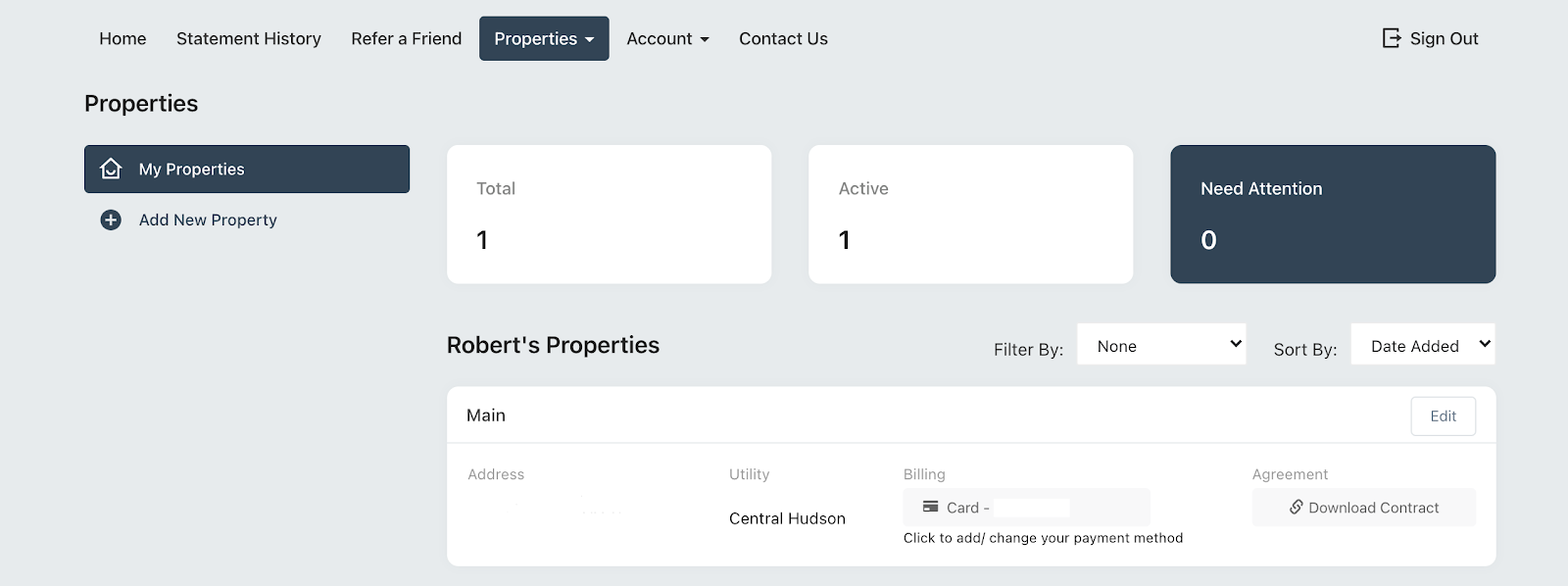
4. To change your payment method, click on your current payment method under "Billing" in your property section.
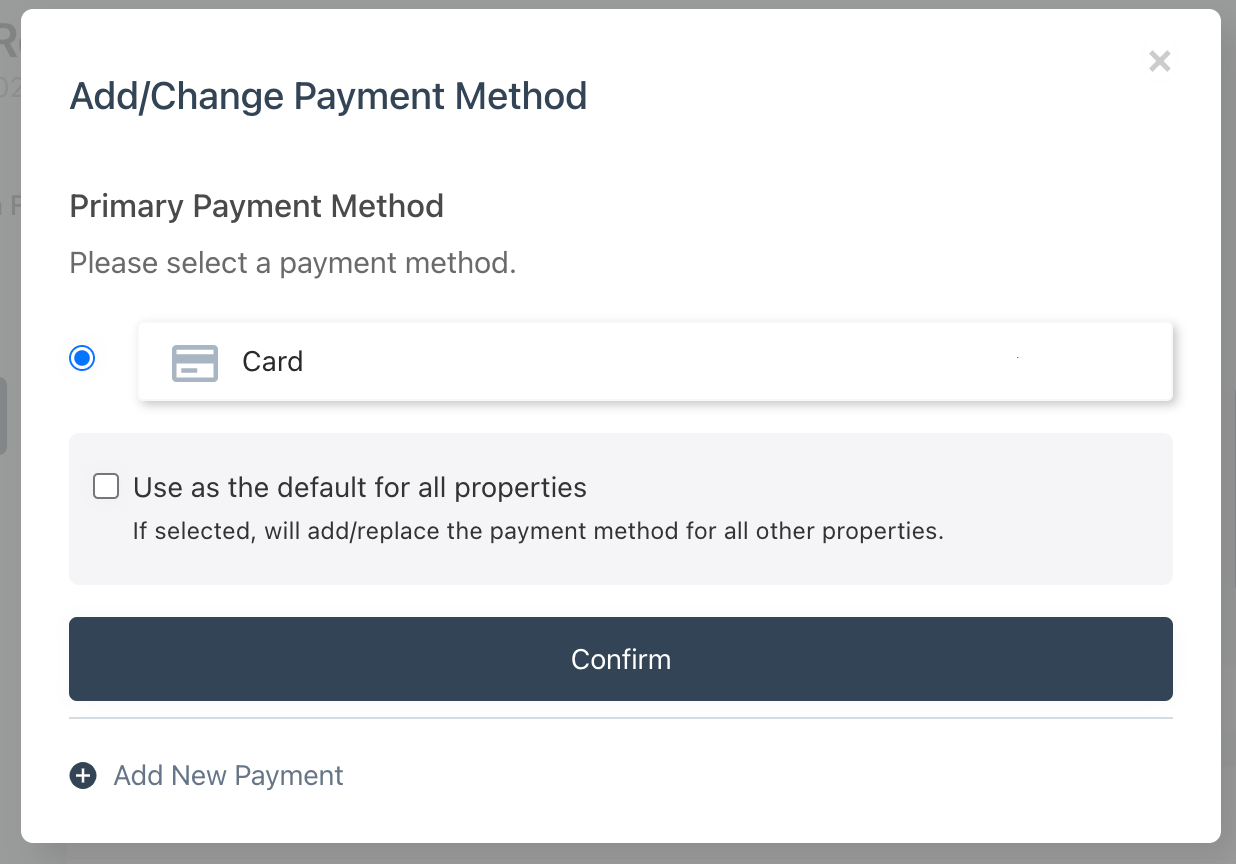
You can add a new payment method by clicking "Add New Payment" at the bottom of the pop-up. Simply click "Confirm" once you're done making changes.
If you are adding a checking account, please be aware you will be required to verify the bank account by following these steps.
If you have any questions or concerns, please contact us at support@solstice.us or 845-853-0768.